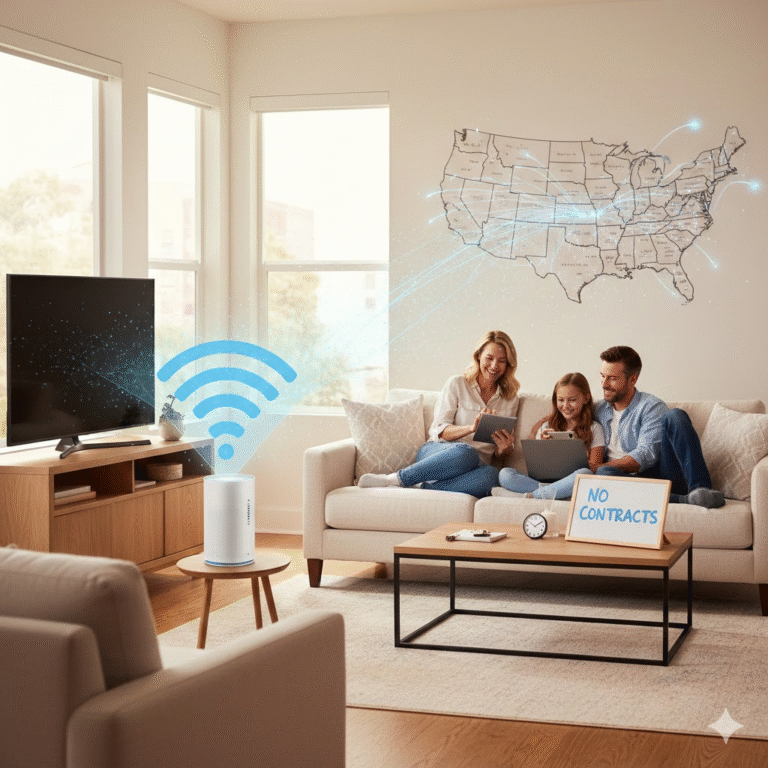
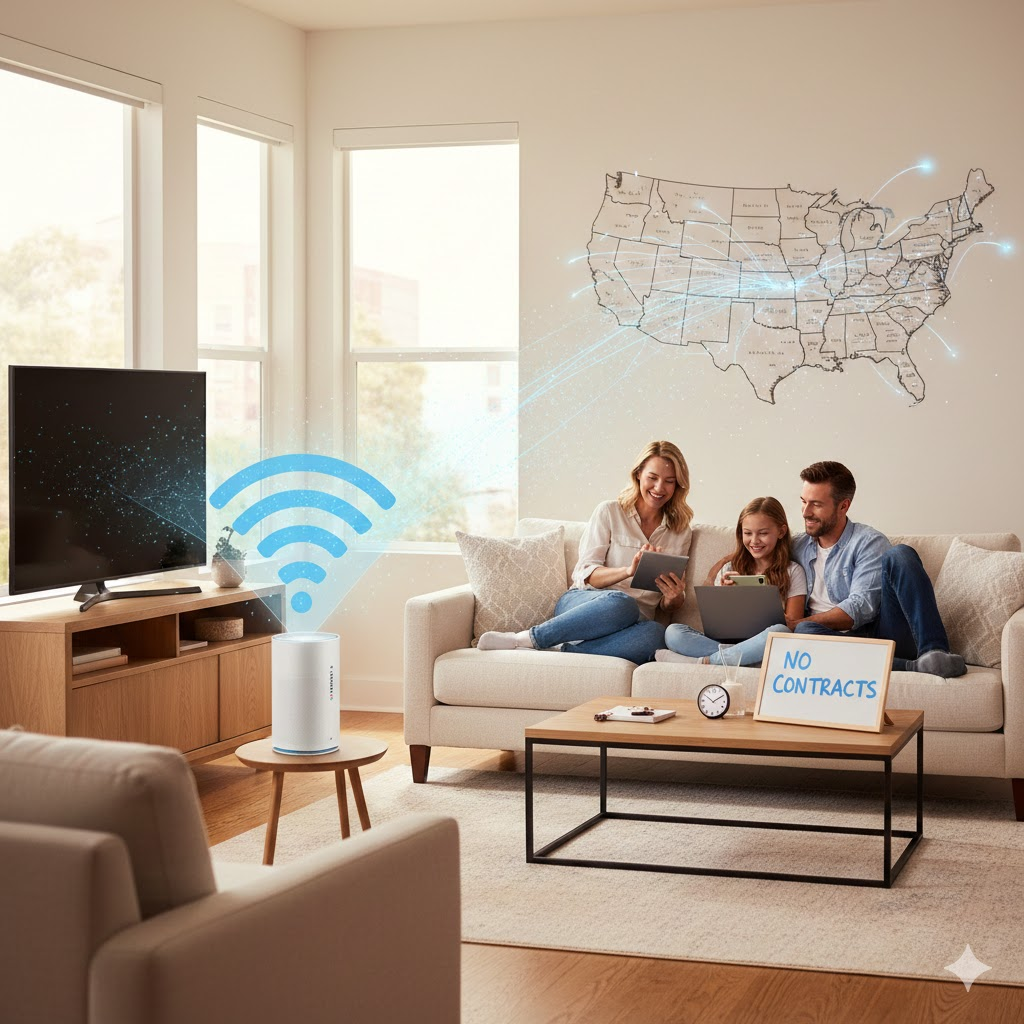
If you’re searching for reliable, affordable, and fast home Wi-Fi without the hassle of contracts, you’ve likely come across T-Mobile Home Internet. Over the last few years, T-Mobile has become one of the most popular wireless broadband providers in the U.S., thanks to its expansive 5G network and simple pricing model.
In this detailed guide, you’ll learn everything you need to know: plans, speeds, coverage, performance, real-world pros and cons, installation steps, and whether T-Mobile Home Internet is the right choice for your home.
Let’s dive in.
What Is T-Mobile Home Internet?
T-Mobile Home Internet is a fixed wireless broadband service that uses T-Mobile’s 4G LTE and 5G network to deliver internet to homes. Instead of cables or fiber lines, the service relies on a wireless connection between T-Mobile towers and a home gateway device.
How It Works
- T-Mobile sends you a 4G/5G Wi-Fi Gateway.
- You plug it in and connect your devices.
- The gateway links to T-Mobile’s nearest 5G signal to provide home Wi-Fi.
This makes the service incredibly easy to set up, even if you’ve never installed internet equipment before.
Why T-Mobile Home Internet Has Become So Popular
There are several reasons millions of households are switching to T-Mobile’s wireless home internet:
- ✔ No annual contracts
- ✔ No equipment fees
- ✔ Straightforward monthly pricing
- ✔ Impressive 5G coverage
- ✔ Simple self-setup
- ✔ Great alternative to DSL or cable
For many users, especially in rural or suburban areas, T-Mobile Home Internet offers better speeds for a lower price than traditional providers.
T-Mobile Home Internet Plans & Pricing (2025)
T-Mobile keeps its pricing simple. In most areas, there is just one main plan.
T-Mobile Home Internet Plan Overview
| Feature | Details |
| Price | Around $50/month with autopay |
| Contract | None |
| Equipment Fee | $0 |
| Installation | Self-setup (Free) |
| Download Speeds | 72–245 Mbps (varies by area) |
| Upload Speeds | 15–30 Mbps |
| Data Cap | Unlimited |
| Tech | 4G LTE + 5G |
Is the price the same everywhere?
Most users pay around $50/month, but customers who bundle with a T-Mobile phone plan might get special offers or discounts.
T-Mobile Home Internet Speed: What You Actually Get
T-Mobile advertises 100+ Mbps average download speeds, but your exact results depend on:
- Distance to the nearest T-Mobile tower
- Strength of the 5G signal (mmWave, mid-band, low-band)
- Network congestion
- Home placement of the gateway
- Whether your area has 5G UC (Ultra Capacity)
Typical Real-World Speed Tests
- Download: 100–245 Mbps
- Upload: 10–30 Mbps
- Latency: 30–50 ms
This is more than enough for:
- 4K streaming
- Video conferencing
- Online gaming
- Smart homes
- Multiple devices connected at once
Is it as fast as fiber?
No — fiber is still king.
But for millions without fiber access, T-Mobile Home Internet is one of the fastest alternatives.
Coverage: Is T-Mobile Home Internet Available in Your Area?
T-Mobile Home Internet is available in over 40 million households and expanding rapidly.
Strong Coverage In:
- Suburban areas
- Small towns
- Rural regions with good 5G coverage
Availability May Be Limited In:
- High-density cities (network congestion)
- Areas where 5G UC is not available
- Regions with tower restrictions
To check if you qualify, T-Mobile offers an online availability tool using your home address.
T-Mobile Home Internet Setup Guide
One of the biggest advantages is how easy it is to install.
Step-by-Step Installation
1. Unbox the Gateway
You’ll receive:
- 5G gateway
- Power adapter
- Quick-start guide
2. Pick the Best Location
For strongest signal:
- Place near a window
- Higher floor is better
- Avoid thick concrete walls
3. Power It On
The device boots in about 2 minutes.
4. Connect Your Devices
You can use:
- Wi-Fi
- Ethernet cable
- T-Mobile app to manage settings
Total Setup Time: 5–10 minutes
No technician required.
Pros & Cons of T-Mobile Home Internet
To give a realistic view, here are genuine pros and cons.
Pros
- Affordable fixed price
- Unlimited data
- No equipment rental
- 5G-powered speeds
- Quick DIY setup
- Great for streaming & everyday use
- Portable (you can take it if you move)
Cons
- Speeds vary by location
- Upload speeds lower than fiber
- Network congestion can slow performance during peak hours
- Not ideal for heavy competitive gaming
- Coverage not universal yet
Who Is T-Mobile Home Internet Best For?
1. Everyday Users
Perfect for:
- Browsing
- Social media
- HD/4K streaming
2. Remote Workers
Stable enough for:
- Zoom meetings
- Cloud services
- Large file downloads
3. Households Without Fiber
If fiber isn’t available in your area, T-Mobile is a strong alternative.
4. Renters & Movers
No drilling
No installation fees
Easy to relocate
5. Rural & Suburban Homes
Often faster than DSL or satellite options.
T-Mobile Home Internet vs Other Providers
Here’s a quick performance comparison.
T-Mobile vs Verizon 5G Home Internet
| Feature | T-Mobile | Verizon |
| Price | ~$50 | $50–$70 |
| Speeds | 72–245 Mbps | 85–300 Mbps |
| Availability | Broader | More limited |
| Best For | Rural, suburban | Urban, strong 5G UW areas |
T-Mobile vs Starlink
| Feature | T-Mobile | Starlink |
| Price | ~$50 | ~$120 |
| Speed | 72–245 Mbps | 50–250 Mbps |
| Latency | 30–50 ms | 20–50 ms |
| Best For | Normal use | Very rural/no 5G areas |
T-Mobile vs Fiber
Fiber wins in:
- Speed (1–5 Gbps)
- Stability
- Upload (500+ Mbps)
But T-Mobile beats fiber in:
- Price
- Availability
- Contract flexibility
Common FAQs About T-Mobile Home Internet
1. Does T-Mobile Home Internet have data caps?
No, it offers unlimited data with no throttling based on usage.
2. Can I use it for gaming?
Yes, but competitive gamers may notice:
- Higher latency
- Occasional peak-hour slowdowns
3. Is the Wi-Fi gateway good?
Yes — it’s a strong all-in-one modem + router with:
- Wi-Fi 6
- Ethernet ports
- App control
4. Can I use it at another location?
Yes, but T-Mobile must approve the new address based on tower capacity.
5. Does weather affect performance?
Heavy storms may cause slight fluctuations, but overall performance is stable.
Tips to Improve Your T-Mobile Home Internet Speed
Here are practical ways to boost performance:
Place gateway near a window
Preferably facing the nearest cell tower.
Elevate the device
Second floor > ground floor.
Avoid thick walls and metal objects
They weaken 5G signals.
Use a Wi-Fi extender
Helps in large homes.
Try different windows or corners
Speeds can change dramatically by location.
Restart the device weekly
Clears cache and network congestion.
Is T-Mobile Home Internet Worth It in 2025?
Yes — for most households, it’s one of the best value broadband options available today.
It offers:
- Affordable pricing
- Unlimited data
- Simple setup
- Reliable speeds for everyday use
It may not replace fiber for hardcore gamers or power users, but for streaming, working, and connecting multiple devices, T-Mobile Home Internet is a strong, budget-friendly choice.
Conclusion
T-Mobile Home Internet has disrupted the traditional broadband market by offering fast, flexible, and affordable wireless home internet powered by the strength of T-Mobile’s 5G network.
Whether you’re tired of cable contracts or simply want a more modern way to stay connected, this service provides an excellent alternative.
What’s your experience with T-Mobile Home Internet?
Share your thoughts or questions in the comments below — we’d love to hear from you!
About the Author